Smoother Navigation with CSS Page Transitions
Animate between pages without rebuilding your app
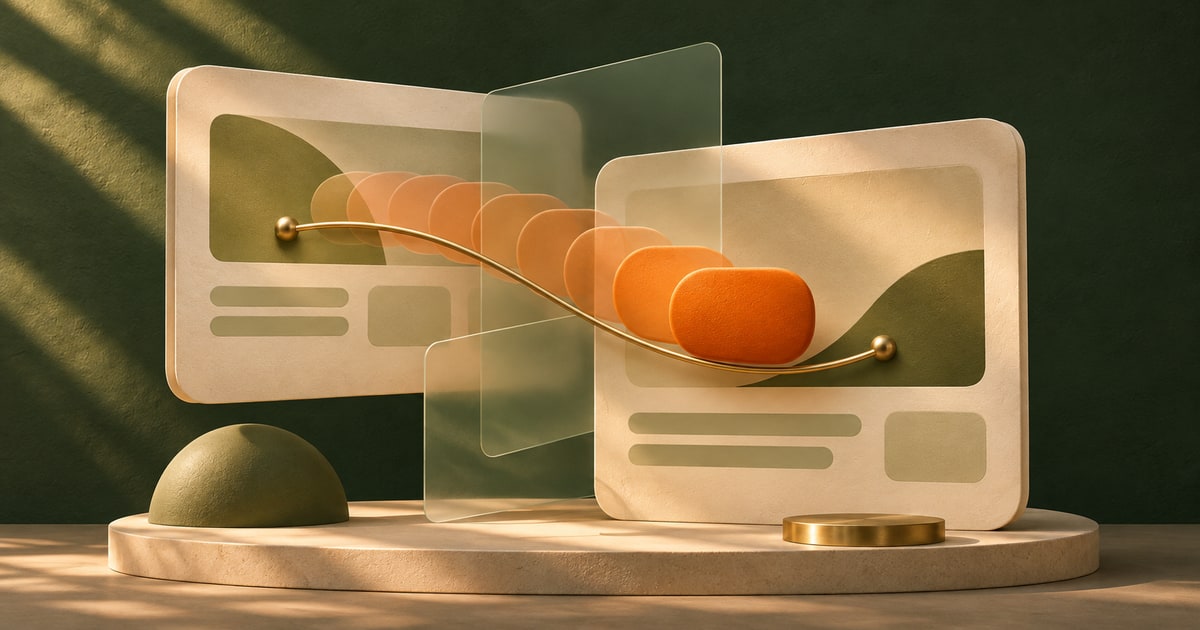
Most websites still jump from page to page.
You click a link, everything disappears, and a new page appears. It works—but it does not feel especially connected.
Smooth transitions between states used to be something you only saw in single-page apps, usually powered by a fair amount of JavaScript.
CSS page transitions bring that idea to the platform itself—so navigation can feel continuous instead of abrupt.
Why navigation has always felt a little disconnected
Traditional page navigation is a full reset. The old page is gone, the new page loads, and there is no visual relationship between the two.
From a technical perspective, that makes sense. From a user perspective, it can feel jarring—especially when the content is closely related.
Developers have tried to smooth that gap in different ways. Loading indicators, fade transitions, or full client-side routing.
But those approaches either feel superficial or require a shift in how the entire app is built.
What has been missing is a native way to animate between states—even across page navigations.
What CSS page transitions actually do
CSS page transitions—often referred to as the View Transitions API—let the browser capture the visual state of a page and animate it into the next state.
That state can be a route change, a DOM update, or a full page navigation.
Instead of instantly replacing one view with another, the browser creates a transition between them.
::view-transition-old(root) {
  animation: fade-out 200ms ease;
}

::view-transition-new(root) {
  animation: fade-in 200ms ease;
}
This example is simple, but it shows the idea: you are styling the transition between two states, not just the states themselves.
That is the key difference.
The mental model (this is the important shift)
Normally, CSS styles elements that exist on the page.
With page transitions, you are styling something that exists between pages—a temporary visual layer that represents the “old” and “new” states.
The browser essentially takes snapshots of both states and gives you hooks to animate between them.
That means you are no longer trying to fake continuity. You are working with it directly.
You are not animating elements—you are animating the transition between states.
Where this starts to feel powerful
Smoother page navigation
The most immediate use case is simple navigation. Even a basic fade or slide can make transitions feel more intentional.
::view-transition-old(root) {
  animation: fade-out 150ms ease;
}

::view-transition-new(root) {
  animation: fade-in 150ms ease;
}
Small change, but it removes the “hard cut” between pages.
Shared element transitions
Things get more interesting when elements persist across views—like images, cards, or headings.
You can assign a shared transition name and let the browser animate the element between its old and new positions.
.card {
  view-transition-name: card;
}
Now the element does not just disappear and reappear—it moves and transforms.
This is where navigation starts to feel like a continuous experience.
State changes without a full reload
Page transitions are not limited to navigation. They can also be used for UI changes within a page—like expanding content or switching views.
The same idea applies: define the before and after, then style the transition between them.
Progressive enhancement, not a requirement
One of the nice things about this feature is that it enhances existing behavior rather than replacing it.
If transitions are not supported, navigation still works exactly as expected. You just do not get the animated layer in between.
That makes it a good candidate for progressive enhancement—something you add to improve the experience without making it fragile.
The baseline is still a working site. The transition is the upgrade.
What to watch for
The biggest shift is thinking in terms of states rather than elements. It takes a moment to get used to styling something that is not part of your normal DOM flow.
It is also easy to overdo it. Just because you can animate between every state does not mean you should. Subtle transitions tend to feel more natural and less distracting.
And while the API is powerful, more complex transitions may still require coordination with JavaScript—especially when timing or state becomes more dynamic.
Use page transitions to reinforce continuity—not to show off animation.
Can you use this today?
Support is growing, but it is not universal yet—especially for cross-document (full page) transitions.
That makes it important to treat this as an enhancement rather than a dependency.
As support improves, this is likely to become a more common part of the platform, especially for navigation-heavy experiences.
Quick answers
Is this only for single-page apps?
No. It works especially well with them, but the goal is to bring similar capabilities to multi-page sites as well.
Do I still need JavaScript?
For simple transitions, not much. For more advanced coordination, you may still use it alongside CSS.
What is the biggest benefit?
Navigation feels connected instead of abrupt.
Want to go deeper?
As the platform evolves, features like this are starting to close the gap between traditional websites and application-like experiences.
The ability to define transitions between states—rather than just styling individual pages—is a big part of that shift.
Pages used to be separate moments. Now they can feel like part of the same flow.